WordPress 7.0 has launched with AI foundations built around Connectors, optional editor tools, and a provider-agnostic WP AI Client that lets plugins communicate with a model through controlled site-level connections.
The release, called WordPress 7.0 Armstrong in the official documentation, was released to the public on 20 May 2026. It also includes navigation overlay changes, visual revisions, pattern handling, responsive block visibility, performance work, and accessibility fixes. The AI work is the part most likely to matter strategically, because it starts to make AI integration a first-class concern inside the world's most widely used content management system.
For business users, the practical message is not that every WordPress site suddenly has a fully autonomous AI system. It is that WordPress now has clearer infrastructure for connecting AI providers, exposing AI-assisted editor tasks, and giving developers a standard place to build site-specific generative AI features. Coaley Peak can support limited Owlpen integration for scoped WordPress workflows, but this should be treated as a controlled integration path, not a full native Owlpen replacement for WordPress admin.
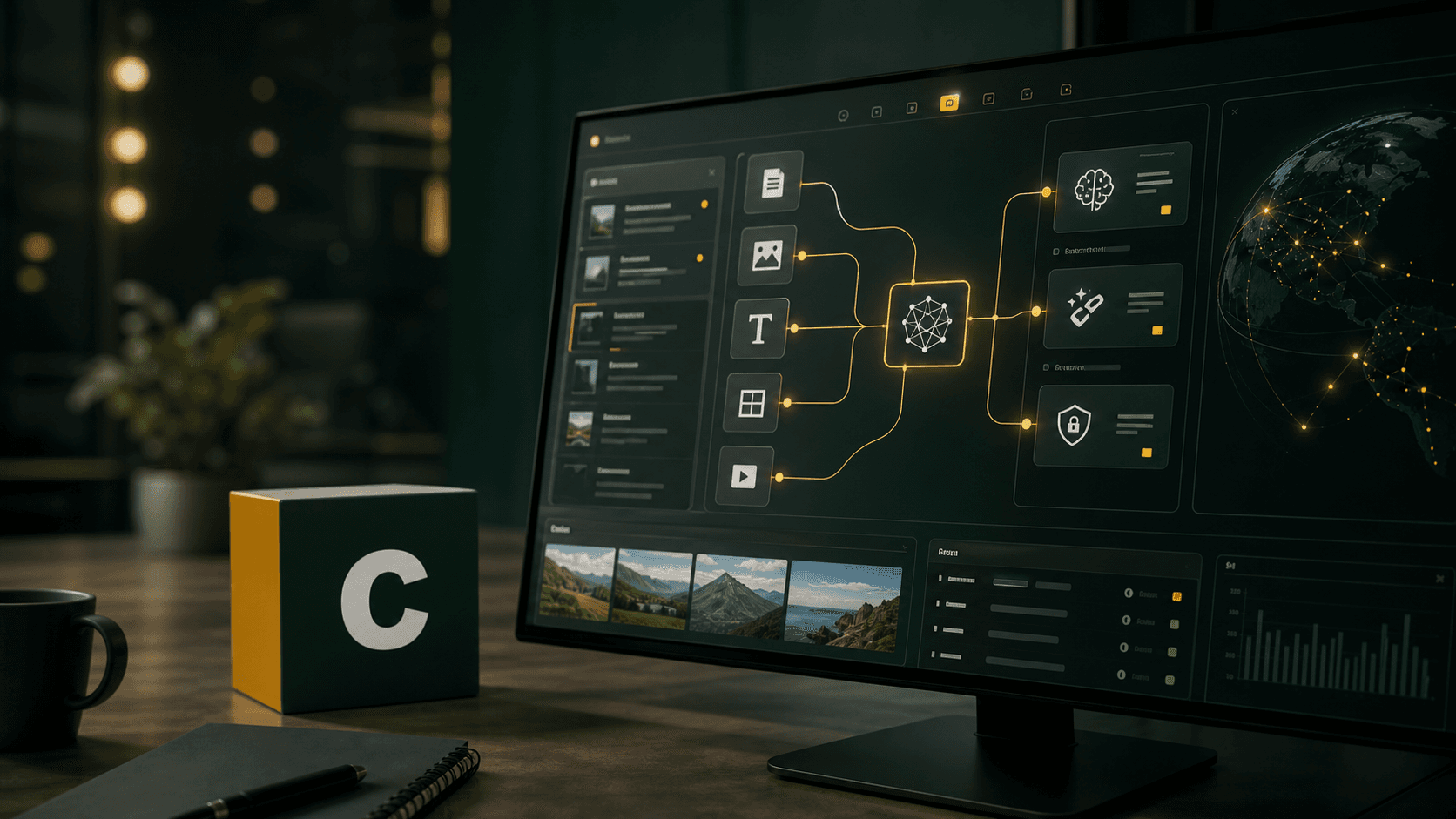
What WordPress 7.0 changes
The main AI change is architectural. WordPress describes the new Connectors screen as a central hub for external service integrations, including AI providers. Users opt in by connecting their preferred AI provider, and plugins can use the same standardised connection management system instead of inventing separate credential screens.
A central place for AI providers
The Connectors approach matters because AI features usually need credentials, provider selection, rate limits, permissions, and clear data boundaries. Putting that into one site-level location should make it easier for administrators to see what is connected and for developers to reuse those connections through an API rather than maintaining disconnected settings panels.
Optional AI tools in the editor
The release notes say the optional AI plugin adds editor tools for creating titles and excerpts, generating and editing images, and suggesting alt text. Those are sensible first tasks: they are close to existing editorial workflows, can be reviewed by a human before publication, and do not require AI to control the whole site.
The key point
WordPress 7.0 is not just adding a few AI buttons. It is introducing a more standard way for plugins and site administrators to manage AI provider connections and build AI-assisted workflows.
Why Connectors matter for business sites
Most business websites are not clean-room software projects. They are made of themes, plugins, hosting controls, analytics scripts, forms, custom post types, media libraries, and editorial routines. AI features need to fit into that reality without creating a credentials sprawl or a compliance blind spot.
Cleaner procurement and governance
If a site uses AI to draft page titles, summarise posts, suggest alt text, or process media, the administrator should know which provider is being used, which data is being sent, and who approved that connection. A single connector layer gives businesses a better starting point for responsible AI controls than scattered plugin-specific forms.
A better plugin ecosystem
The field guide describes WordPress 7.0 as provider-agnostic and points to the WP AI Client as a central interface for plugins to communicate with AI models. That could reduce duplicated integration work over time. It also gives developers a clearer route to build AI features that respect WordPress roles, permissions, and site configuration.
The editor AI use cases are deliberately narrow
The first wave of WordPress AI tooling is focused on content-adjacent tasks, not replacing editorial judgement. That is the right shape for most organisations. Titles, excerpts, alt text suggestions, and image generation can save time, but they still need review for brand tone, accessibility, accuracy, and rights management.
Alt text needs human review
AI-suggested alt text is useful when media libraries are large and inconsistent, but accessibility is not solved by generating a sentence. Good alt text depends on context: whether an image is decorative, informative, functional, or part of a wider page narrative. Teams should treat suggestions as drafts, with a human-in-the-loop before publication.
Prompts become operational assets
If teams use AI to generate titles, excerpts, image ideas, or structured summaries, prompt quality becomes part of the content process. Good prompt engineering should capture brand voice, compliance limits, product terminology, audience needs, and approval rules.
Images add a multimodal layer
The image generation and editing tools move WordPress further into multimodal AI. That has value for prototyping and content support, but businesses still need policies for brand assets, disclosure, copyright checks, model terms, and approval of generated imagery.
Risks and limits to be aware of
WordPress 7.0 makes AI easier to connect, but easier connection does not remove governance work. Businesses should still decide which content can be sent to external providers, whether customer or employee data is involved, who can enable connectors, and how AI-generated output is checked before publication.
Credentials and data routing
Any connector-based workflow should be reviewed like a supplier integration. Teams should understand where keys are stored, what logs are kept, which provider terms apply, and whether prompts or outputs are retained by the provider. That review is especially important where a site includes private drafts, customer submissions, or restricted media.
Agentic possibilities are early
The field guide points towards future agentic collaborators and workflow abilities. That direction is important, but businesses should separate today's shipped features from longer-term AI agent ambition. Content assistance is a lower-risk starting point than autonomous publishing, data modification, or plugin configuration changes.
Owlpen and WordPress 7.0
Owlpen is not a full WordPress 7.0 admin replacement and does not expose every WordPress AI feature as a native platform module. However, Coaley Peak can support limited integrations between Owlpen and WordPress 7.0 where the use case is scoped, permissioned, and technically appropriate.
Examples may include content briefing support, draft review workflows, metadata analysis, alt text quality checks, publication-adjacent reporting, or structured extraction from WordPress content into controlled Owlpen workflows. The exact scope depends on the WordPress site, installed plugins, available APIs, connector configuration, and the client's governance requirements.
Owlpen availability
WordPress 7.0 can integrate with Owlpen in limited features by enquiry. This is best treated as a bespoke, governed integration for selected workflows, not as a blanket native integration with all WordPress AI capabilities.
If you would like to discuss WordPress 7.0, AI governance, limited Owlpen integration, or how to use AI safely across your content operations, contact us at enquiries@coaleypeak.co.uk or read more about the Owlpen platform.
Disclaimer. This article is published by Coaley Peak Ltd for general informational purposes only. The views expressed are those of the author, Stephen Grindley, and do not constitute legal, regulatory, financial, or technical advice. Nothing in this article should be relied upon when making procurement, investment, compliance, or technology decisions. References to third-party products, platforms, and companies are for informational purposes only and do not constitute endorsement. Product, feature, integration, and availability claims cited are those reported by WordPress.org and have not been independently verified by Coaley Peak. Readers should seek independent professional advice appropriate to their specific circumstances. Information was accurate to the best of the author's knowledge at the date of publication. Coaley Peak Ltd and Stephen Grindley accept no liability for any loss or damage arising from reliance on the contents of this article.